
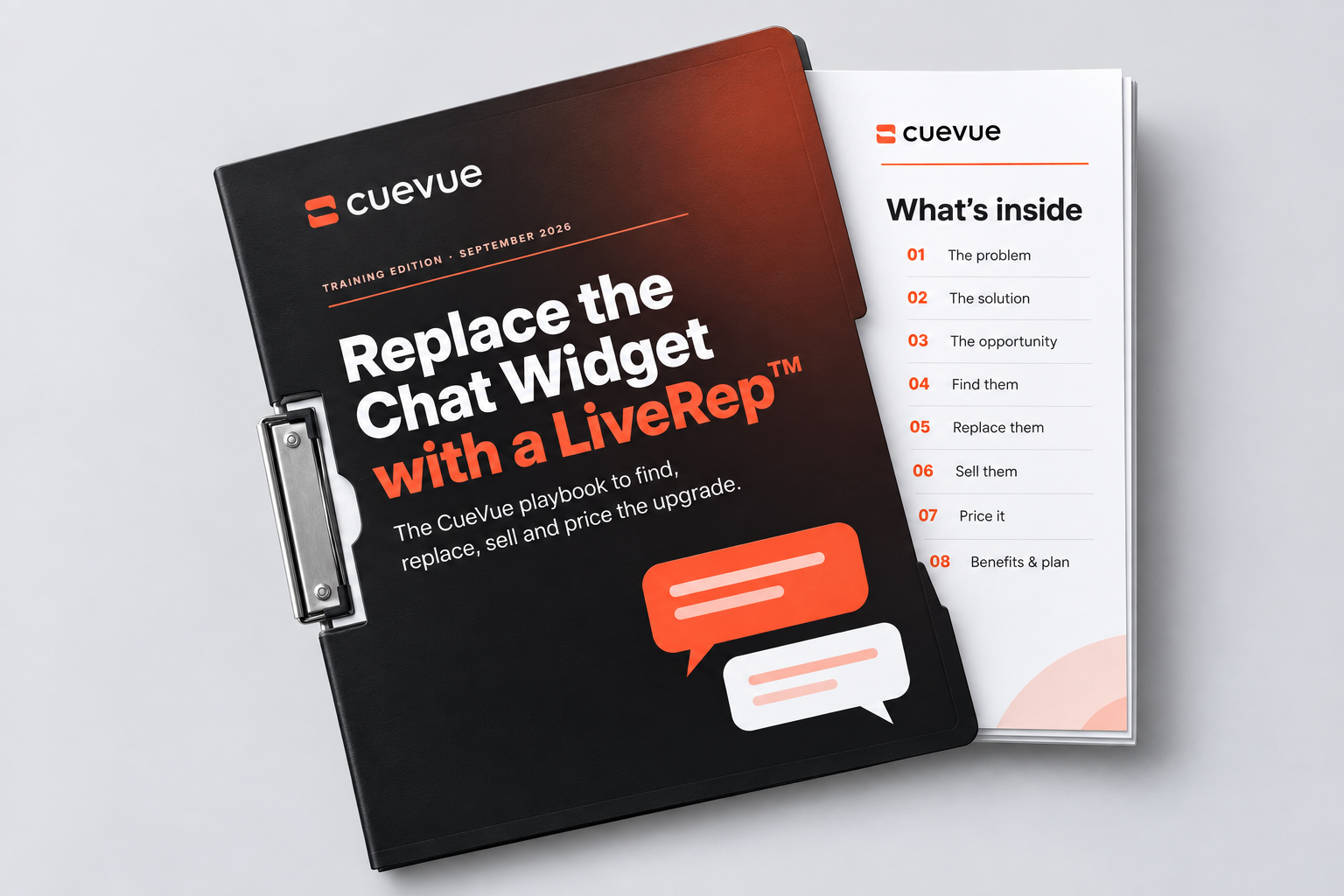
Built™ PDF Training
The training from the webinar replay in written form: the CueVue playbook to find, replace, sell and price the upgrade.
CueVue Training Replay
In-depth training on CueVue — and Built™, which takes a niche and a city and returns researched businesses, personal LiveReps, demo pages and pitch emails ready for your review.
Watch the replay
One-time payment · 14-day money-back guarantee
See CueVue Built™ In Action
A short walkthrough of Built™ turning a niche and a city into researched businesses, personal LiveReps, demo pages and pitch emails — ready for your review.
Watch Built™ in action
One-time payment · 14-day money-back guarantee
CueVue built the LiveRep. Built™ builds the pitch.
Give Built™ a niche and a city. Get back businesses researched, personal LiveReps built, demo pages prepared, and pitch emails ready for your review.
Built™
Finds. Researches. Prepares.
You
Review. Send. Close.
Oakline Home Services · Illustrative prospect




Their business. A face to meet.
“I built this for your business.”
AI-generated motion sample · illustrative pitch, not a live conversation
Now watch the preparation happen
Choose a niche. Set the mission. Step through how the pieces come together.
01 / Your brief
Pitches to prepare
Give each pitch a face
Illustrative presenter preview
Animated explanation. No real search, pitch creation or outreach is triggered.
02 / Built™ at work
Find the businesses
A niche and an area become a shortlist of potential prospects.
Read their websites
Check services and chat-box presence. Research available contact details.
Build their LiveReps
Create a representative informed by each business's own website.
Write the pitches
Publish the personal pitch pages and prepare the outreach emails.
Hand them to you
Review the facts, add missing contacts and choose when to send.

Oakline Plumbers
Waiting for mission
Harbor Plumbers
Waiting for mission
Summit Plumbers
Waiting for mission
Automation with a clear handoff. The mission prepares the pitch. You decide what reaches a prospect.
1 brief
Niche + area, or your websites
3 pitch assets
LiveRep + personal page + email
1 clear handoff
Ready for you to review and send
The question after the CueVue purchase
You can demonstrate a talking representative. But turning that into a client conversation means finding the right business, researching its website, building a relevant demo and writing an introduction worth reading.
Do that from scratch for every prospect and the preparation becomes its own job.
Built™ puts those preparation steps into one mission—so you can arrive with something the owner can actually try.
The explanation-only pitch
“I can build an AI representative for your website.”
The owner has to imagine the experience.
The built-for-you pitch
“I built your business a LiveRep. Here's your demo.”
The owner has something concrete to explore.
One mission. A personal pitch for each business.
Find a relevant business. Prepare its own experience. Learn what it does with the invitation.
01 · Their website
oakline.example
Good work. Right on your doorstep.
Plumbing · repairs · local callouts
Services + business details →
02 · Their LiveRep
Oakline's LiveRep
“What can I help you with?”
03 · Your introduction
I built your business a LiveRep.
Here's your personal demo. Want to try it?
○ Awaiting your review
Start with the business, not a blank prompt. Website information gives the pitch a specific business, services and context.
Automation ends at the send button. Check the work. Choose the outreach. Handle the deal.
Illustrative preparation flow. No website is fetched and no email is sent by this walkthrough.
See the actual workspace
Real application screens from the September product guide.
Mission setup
Choose a niche, city, one to five pitches and a LiveRep face. Or bring up to five websites you already want to approach.
The built-for-you pitch
The first email has a concrete reason to exist: a LiveRep and personal demo page already prepared for that business. The owner doesn't have to imagine what you mean.
TO The business owner
SUBJECT I built Oakline a LiveRep. Want to try it?
Hi there,
I put together a LiveRep for Oakline, using the information on your website.
You can ask it the questions your customers usually ask. Here's your personal demo:
Preview the demo-page example →
If it looks useful, there's a button on the page to let me know.
○ Draft prepared · awaiting your review. Illustrative outreach copy — review facts and contact details before sending.
The link is the start of the story
Email opens, time on page and calls are useful signals. The prospect still decides, and you still have the business conversation.
01
Sent
Your reviewed pitch leaves your account.
02
Opened
An email-open event is recorded.
03
Visited
The owner explores their personal pitch page.
04
Talked
A conversation adds useful engagement context.
05
Interested
The owner submits a request to hear more.
06
Won
You mark the deal after the client signs up.
Illustrative sequence · not live results
One documented mission
The product guide documents a Washington, DC plumbing mission. Here is what that specific run produced.
11
businesses found
8
websites checked
3 / 3
pitches prepared
1m 38s
reported mission time
A useful detail: one email was missing. The mission flagged it for the user to add. That is what the review step is for.
Source: supplied CueVue Built™ Product Guide, pages 10–11 and 24. One documented run; not a speed promise, independent case study or guarantee of clients.
Choose a market you understand
The documented mission form includes 18 business categories. Choose the questions and service opportunity you can explain well.
Already have prospects? Paste up to five websites instead. Healthcare businesses are excluded by the current product.
Illustrative business · Oakline Plumbing
“Do you handle emergency leaks in my area?”
Example use case, not a live demo. Business facts and enquiry handling require configuration and review.
The details that keep the work moving
01
Scores, available contacts, business summaries, service tags and chat-box status help you choose where to focus.
Review the context before you pitch.
02
Use radius and count controls, filter for chat-box presence, skip saved leads and export selected records as CSV.
Keep a shortlist you can work with.
03
See the search, website checks, prepared LiveReps and email-writing steps. Missing details are surfaced for review.
Know what was done and what needs you.
04
Review the prepared email, send through the app, use your email client or share the link and mark the pitch as sent.
Fit outreach into your existing process.
05
Edit the page headline and introduction, update contacts, inspect engagement, pause the page or archive it.
Manage the pitch after it is built.
06
See who asked to hear more, review the message and approve or decline. Follow up by email or phone to agree the deal.
Respond to a specific next step.
Keep what you already prepared
The guide describes using the same brand and LiveRep after the pitch is marked Won. Refine the knowledge, agree the service and verify the client's deployment.
Your work becomes a starting point for delivery. Won clients count toward your CueVue plan limits.
Get CueVue Built™ · $297For people ready to do something with CueVue
A strong fit when you…
Your offer, your outreach decisions, your sales conversation and your client delivery. Built™ builds and tracks; it does not promise buyers, revenue or automatic deals.
Start with a small, relevant mission. Review the output. Improve the pitch from what you learn.
The CueVue Built™ offer stack
From the first personal demo to the proposal and ongoing follow-through, these nine pieces form the post-launch package.
01
$697
Choose a niche and area or bring your own websites. Prepare researched businesses, individual LiveReps, demo pages and email drafts for your review; track engagement and interest requests.
02
$297
A live-meeting deck and a self-explanatory send-ahead deck for prospects who ask you to email the details.
03
$197
Outreach and demo-call scripts, with answers to common questions about accuracy, pricing and what the LiveRep can do.
04
$197
A prospect-branded one-pager and QR card for an in-person demo, plus postcard and explainer-video templates.
05
$297
Proposal, quote and service-agreement templates, an onboarding questionnaire and a calculator for setup and monthly pricing.
06
$297
A client welcome sequence, setup checklist and monthly reporting template to help show the value of ongoing service.
07
$497
Industry-focused rep personalities, question sets, answer frameworks, prompt starters and troubleshooting guidance.
08
$297
A planned starter credit allocation and a lighter outreach-demo mode. Exact credits, availability and usage rules need final confirmation.
09
$397
A proposed private group, live build-along session and priority support for the first intake; details and dates to be confirmed.
Proposed combined value
Nine components in the post-launch package
$3,173
Component values are proposed reference values, not separate selling prices. Bonus contents, the seven verticals, credit allocation, Quiet Mode and cohort details require confirmation before checkout.
Plus these Built™ bonuses
Three bonuses come with Built™ — in writing, in credits and in automation.
The training from the webinar replay in written form: the CueVue playbook to find, replace, sell and price the upgrade.
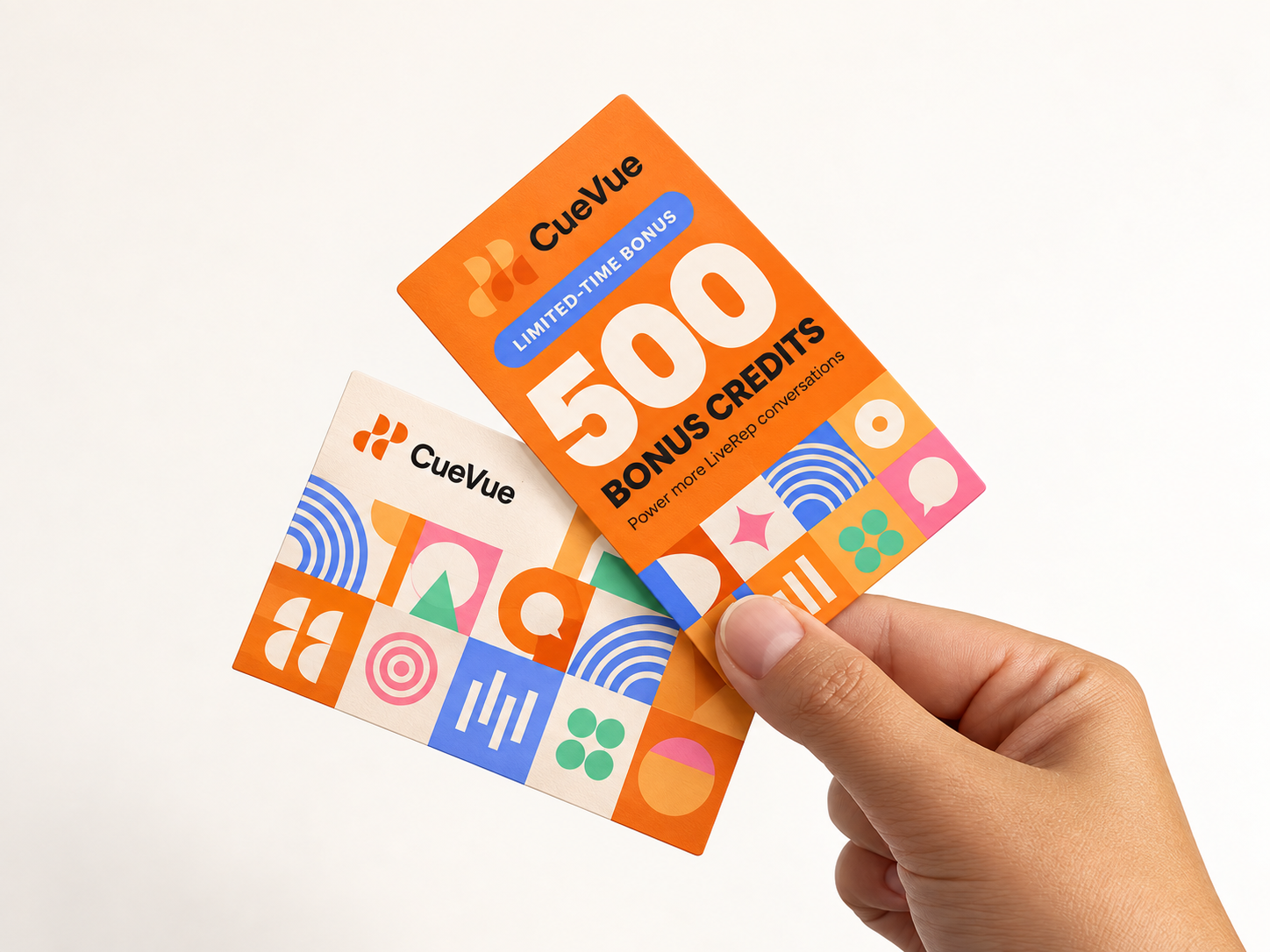
500 additional credits added to your Built™ account to power more LiveRep conversations.
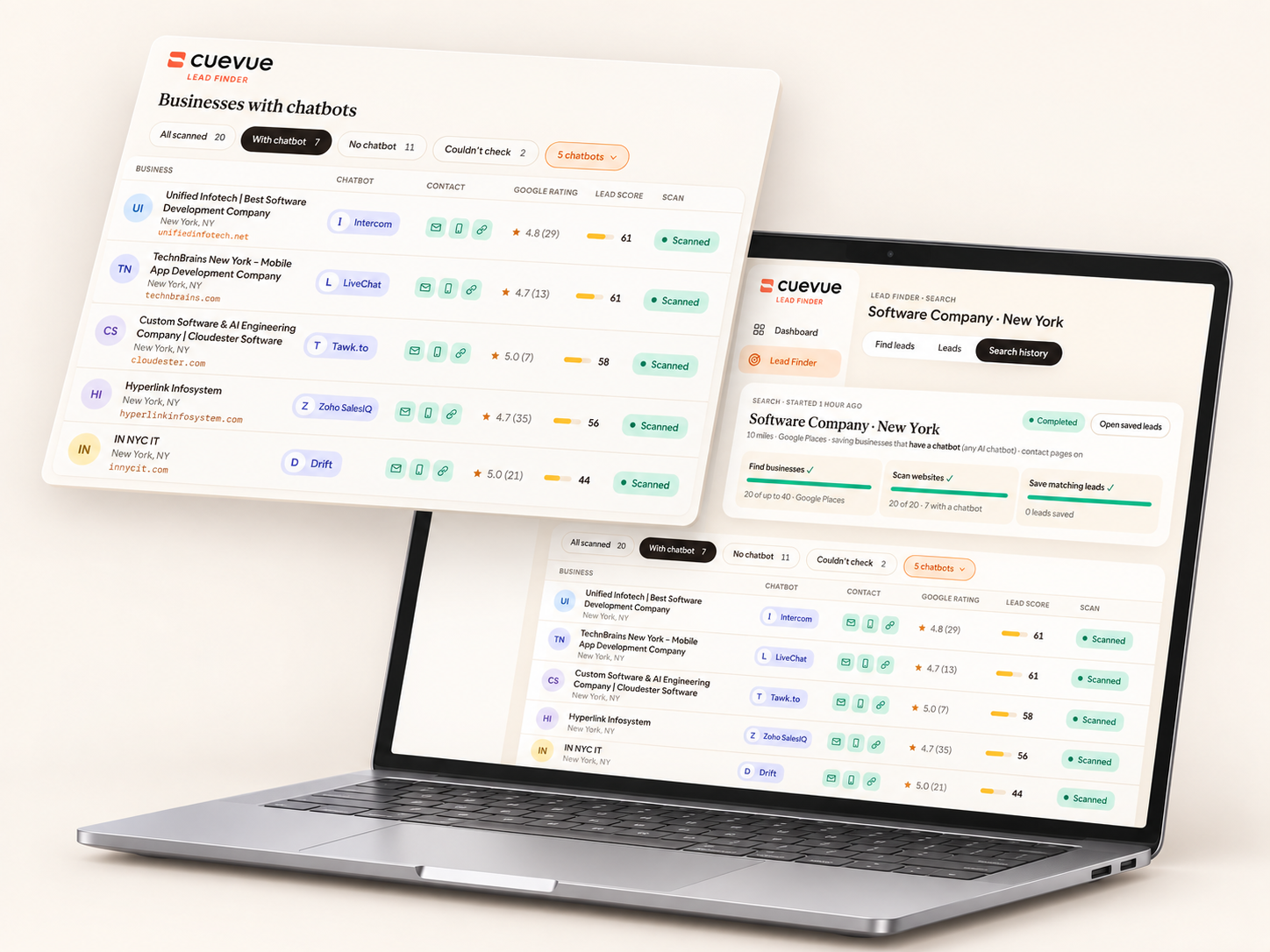
ChatBot Filter — find websites using (or not using) chatbots with a click!
The CueVue Built™ post-launch offer
CueVue Built™ is an extension for an active CueVue account. It adds the prospecting and pitching workflow to your LiveReps.
Before you hand it the job
CueVue creates LiveReps for websites. Built™ adds the prospecting and pitching workflow: business discovery, website checks, contact research, personal demo pages, email drafts and engagement tracking.
No. A mission prepares pitches and emails. You review the business information and recipient details, then send from the pitch page, use your email app, or share the link and mark it as sent.
Yes. The application sign-in states that an active CueVue plan is required. Confirm the final Built™ purchase terms for the eligible plan and included allowances.
The documented mission form accepts one to five pitches. You can ask it to find businesses in a niche and area, or paste up to five websites. Mission size is not a statement of total account allowance.
No. Contact research can be incomplete. Missing owner emails are flagged for you to add, and AI-found details must be checked before outreach.
Yes. Use the website-list mode, build one pitch from a known website, or review the saved lead list and choose businesses individually.
The dashboard and pitch control room show email opens, page visits, time on page, conversations and interest requests. Review the available signals together; an open or visit alone does not prove buying intent.
The guide describes using the same brand and LiveRep after the pitch is marked Won. That client then counts toward your CueVue plan limits. Agree the service and verify the final deployment setup with the client.
No. The guide states that pitch video conversations use one rendering credit per connected minute. Account balance and plan limits still apply. Built™'s included allowances must be confirmed in the final offer terms.
The documented product excludes or skips healthcare niches, including dentists, clinics, med spas and chiropractors. Choose a supported business category.
The Built™ price is $297. It's backed by a 14-day money-back guarantee — if Built™ isn't for you, request a refund through the help center within 14 days of purchase. Included allowances and billing terms are confirmed at checkout.
From “I could build this” to “Here's your demo”
The business. The research. The LiveRep. The page. The introduction. One mission gets the preparation moving. You take the next step.
Get CueVue Built™ · $297Backed by a 14-day money-back guarantee.
You review. You send. You close.
By the CueVue launch team · Prady & Todd Gross. Illustrations are labelled. Product screenshots come from the September 2026 guide. No earnings guarantees.